

One surface, every screen
One app. Every moment.
Profile & matchmaking
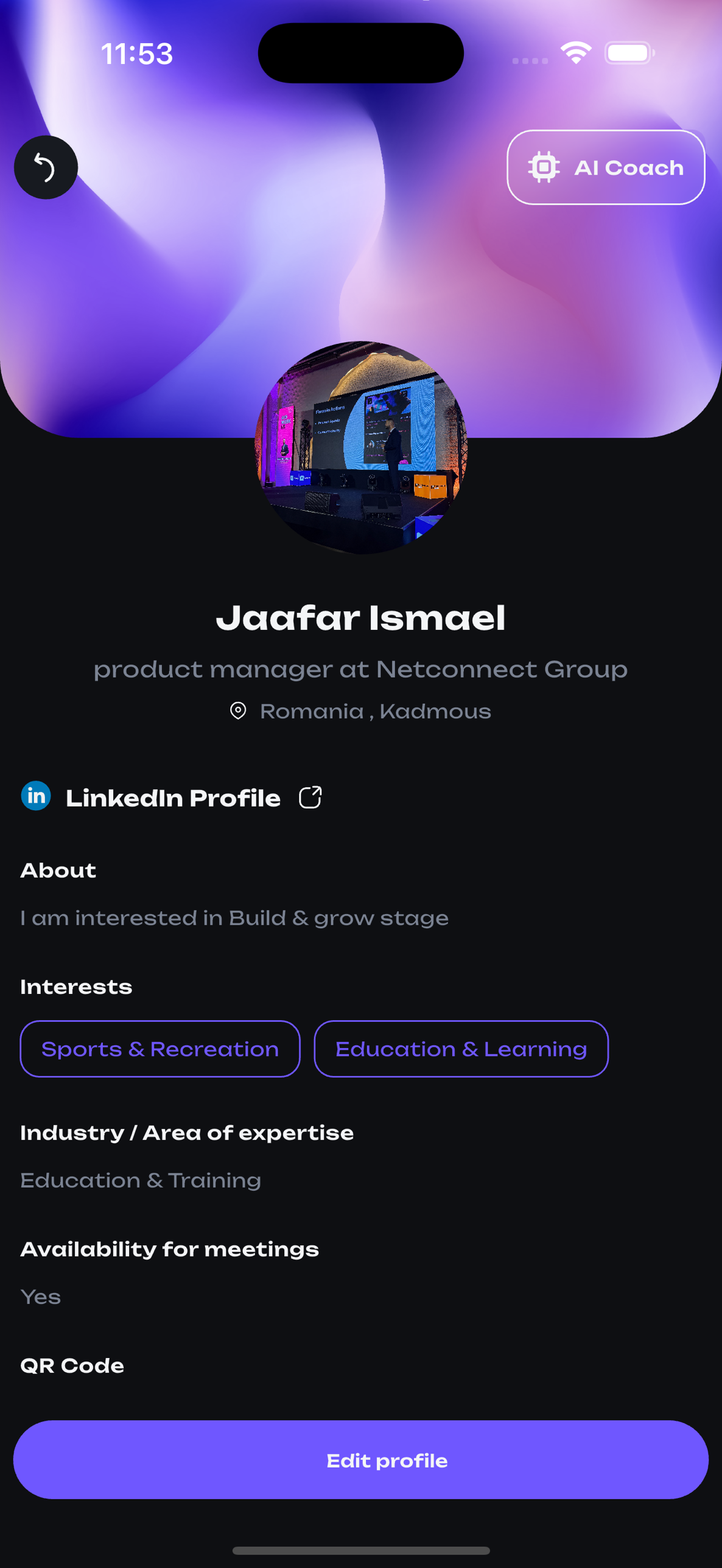
Every attendee, a complete picture.
Profiles aggregate role, company, interests, industry, LinkedIn, location, and availability — the inputs our matchmaking model uses to surface relevant connections within seconds of opening the app.
- AI Coach available in-context on every profile, suggesting openers and conversation hooks
- LinkedIn integration with one-tap export to native Contacts
- Interest tags, industry, and availability drive the suggestion engine
- In-app QR code for instant card exchange — no NFC dependency
Discovery & filters
Find the event, the room, the right person — in three taps.
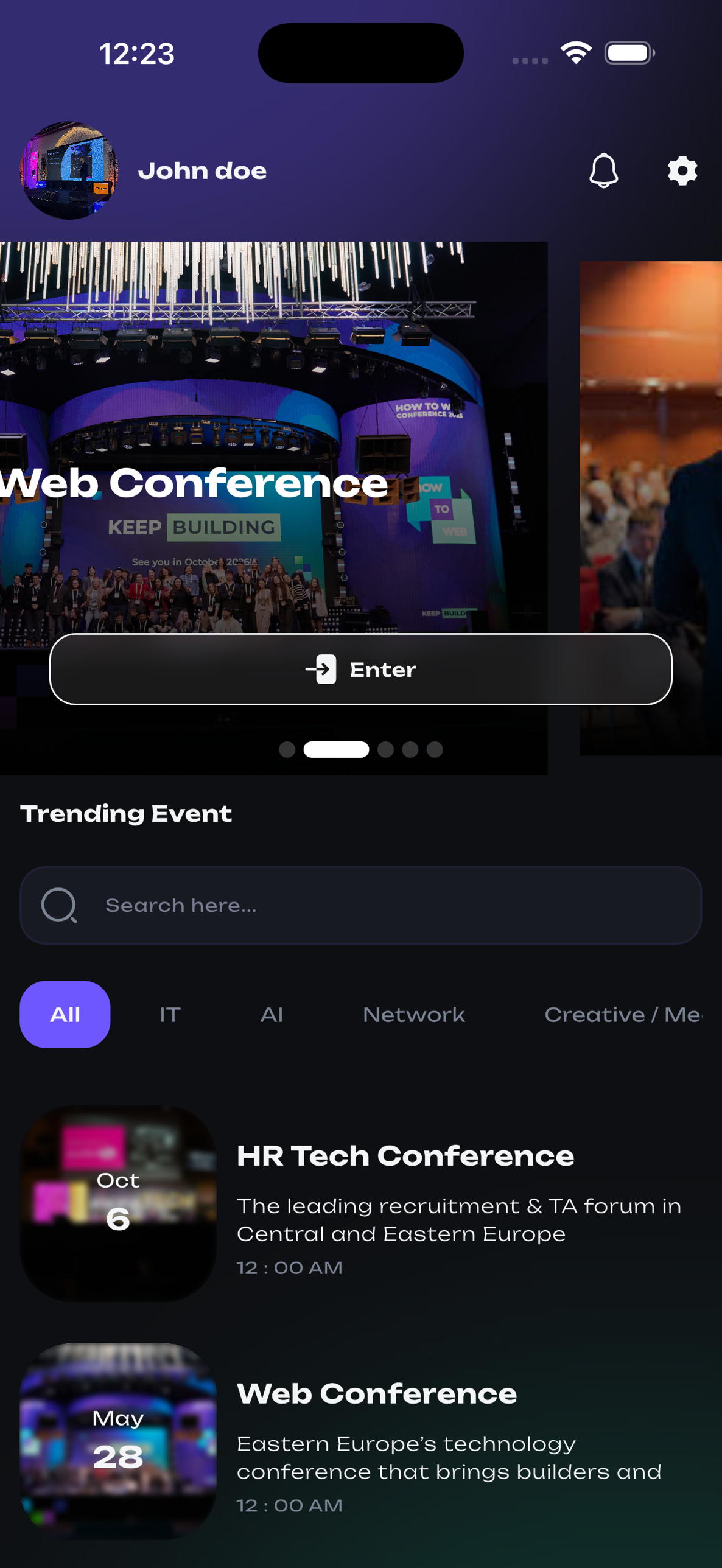
A trending feed surfaces what's live now. Filters narrow by domain, interest, and country. Search resolves across sessions, attendees, sponsors, and speakers from a single field.
Domain filter
Industry-level grouping across all listings
Interest filter
Soft-match on stated personal interests
Country filter
Region-locked discovery for traveling delegations
Saved searches
Re-run any filter combination from a single tap
Sessions, meetings & AI content
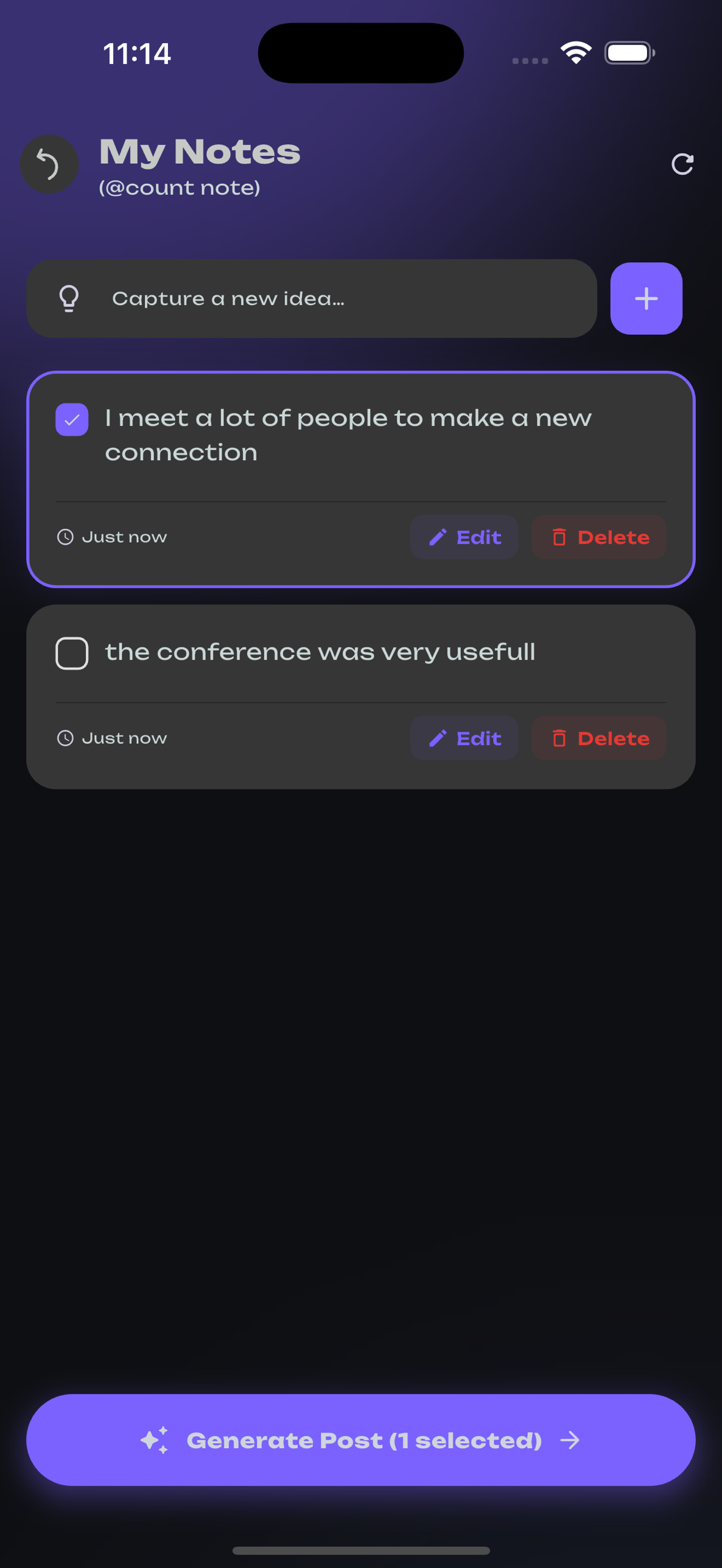
Captured notes become a ready-to-publish LinkedIn post.
Bookmark sessions, schedule 1:1 meetings, then capture takeaways inline. With a single tap, the app turns selected notes into a polished post in your voice — ready to share before the conference ends.
In-context suggestions for next steps and follow-ups, per attendee.
Select notes, generate post, edit, publish to LinkedIn.
Every screen, real product
The full attendee experience.
Real screenshots from the shipping app. Drag, swipe, tap a dot, or use the arrows to step through every screen.
Profile
AI Coach · LinkedIn export · QR card
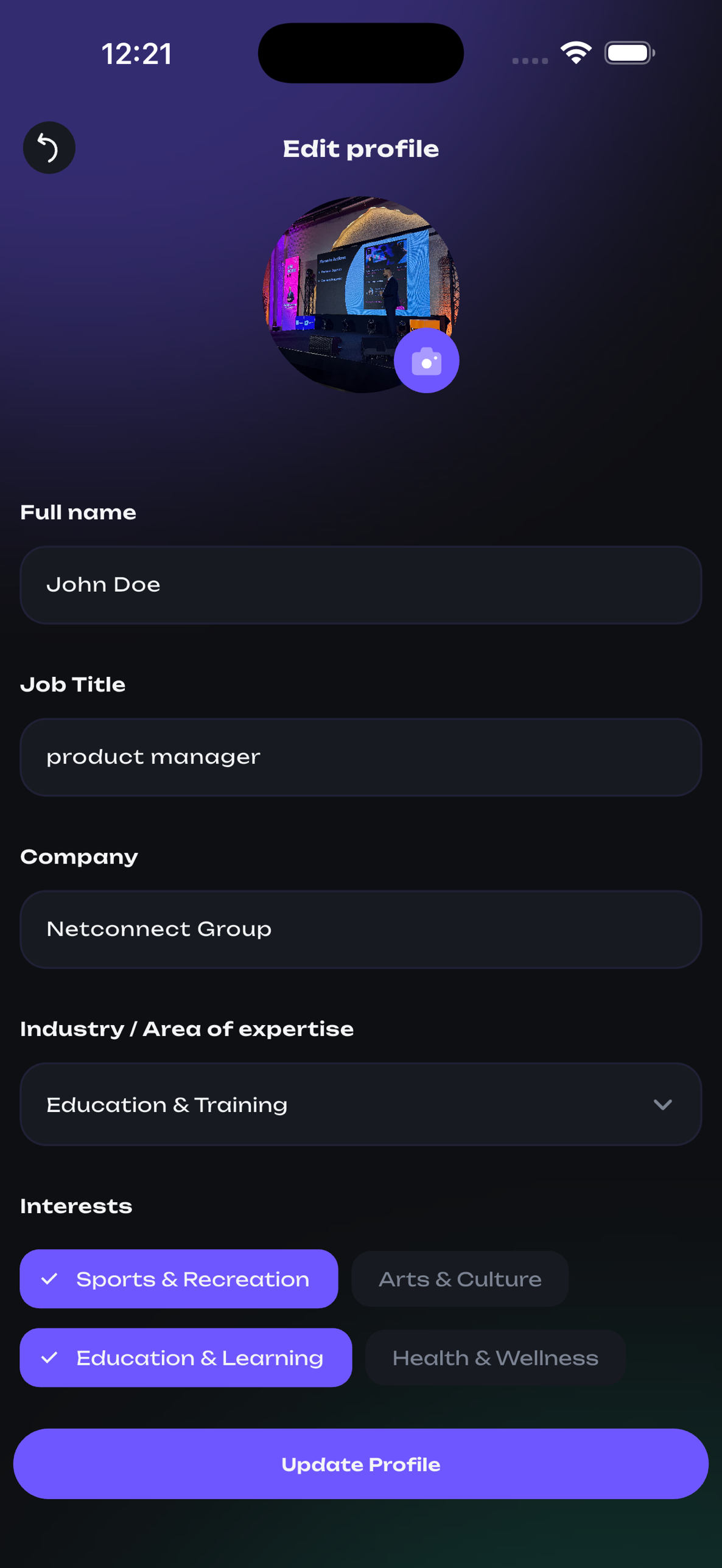
Edit profile
Avatar, role, company, interests
Trending events
Live + recommended events on entry
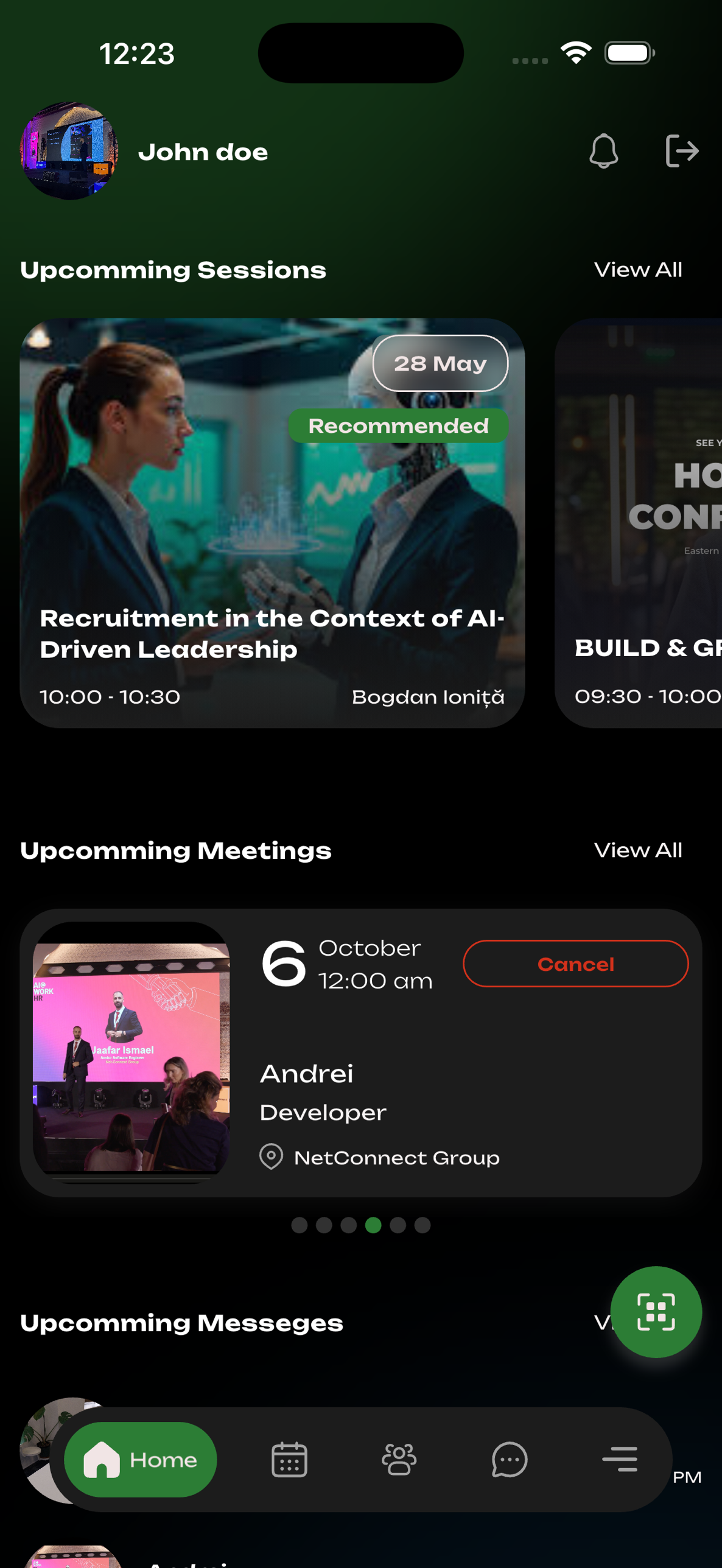
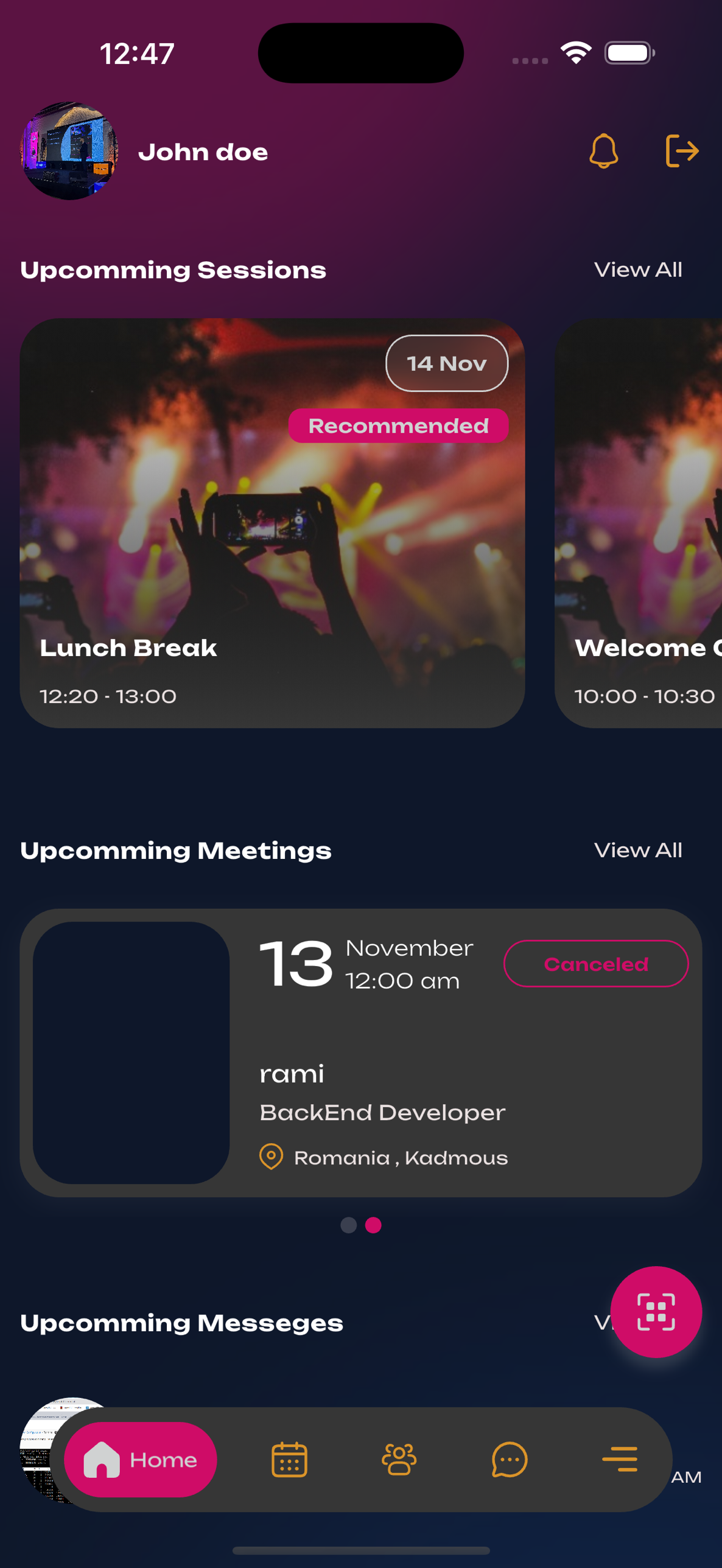
Home
Sessions, meetings, messages at a glance
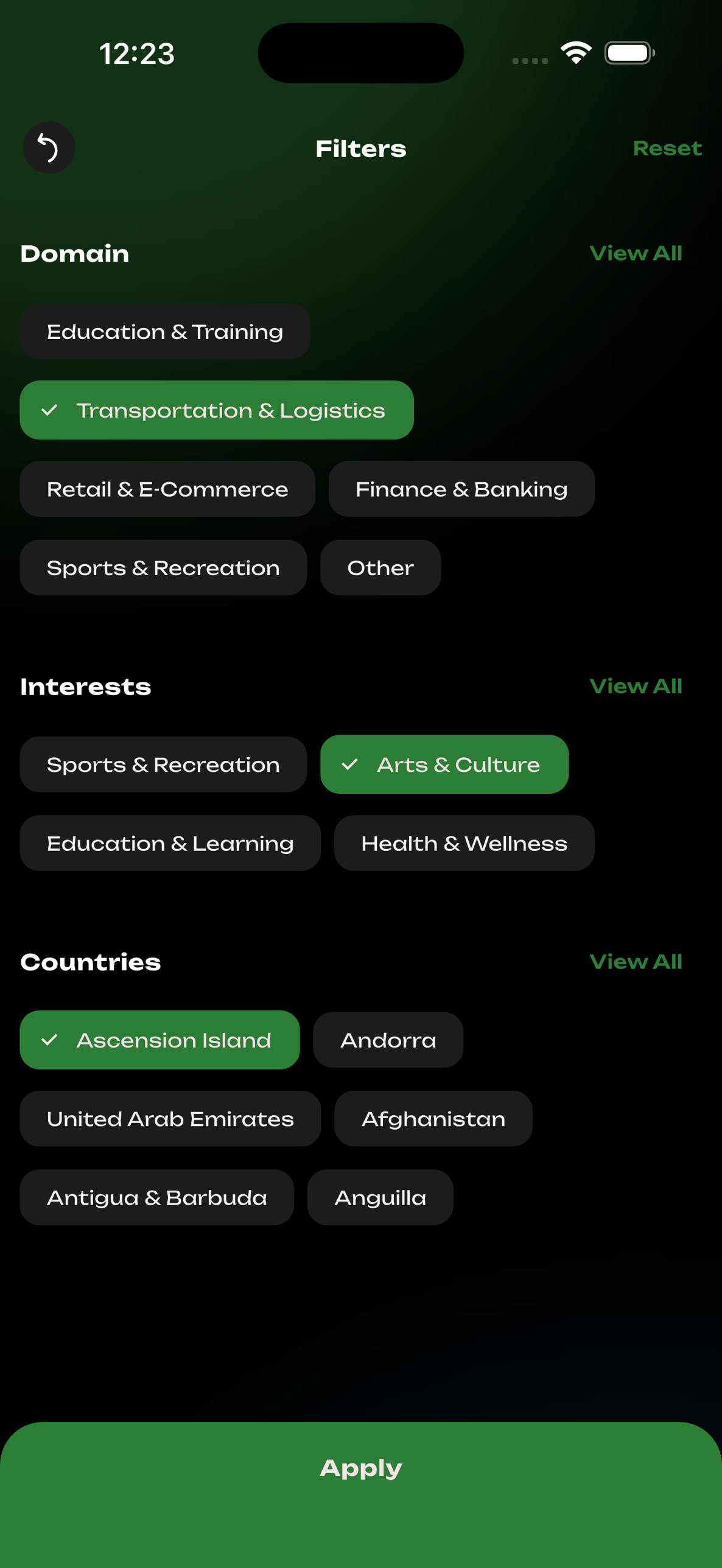
Filters
Domain · interests · country
Session detail
Recommended chips + status states
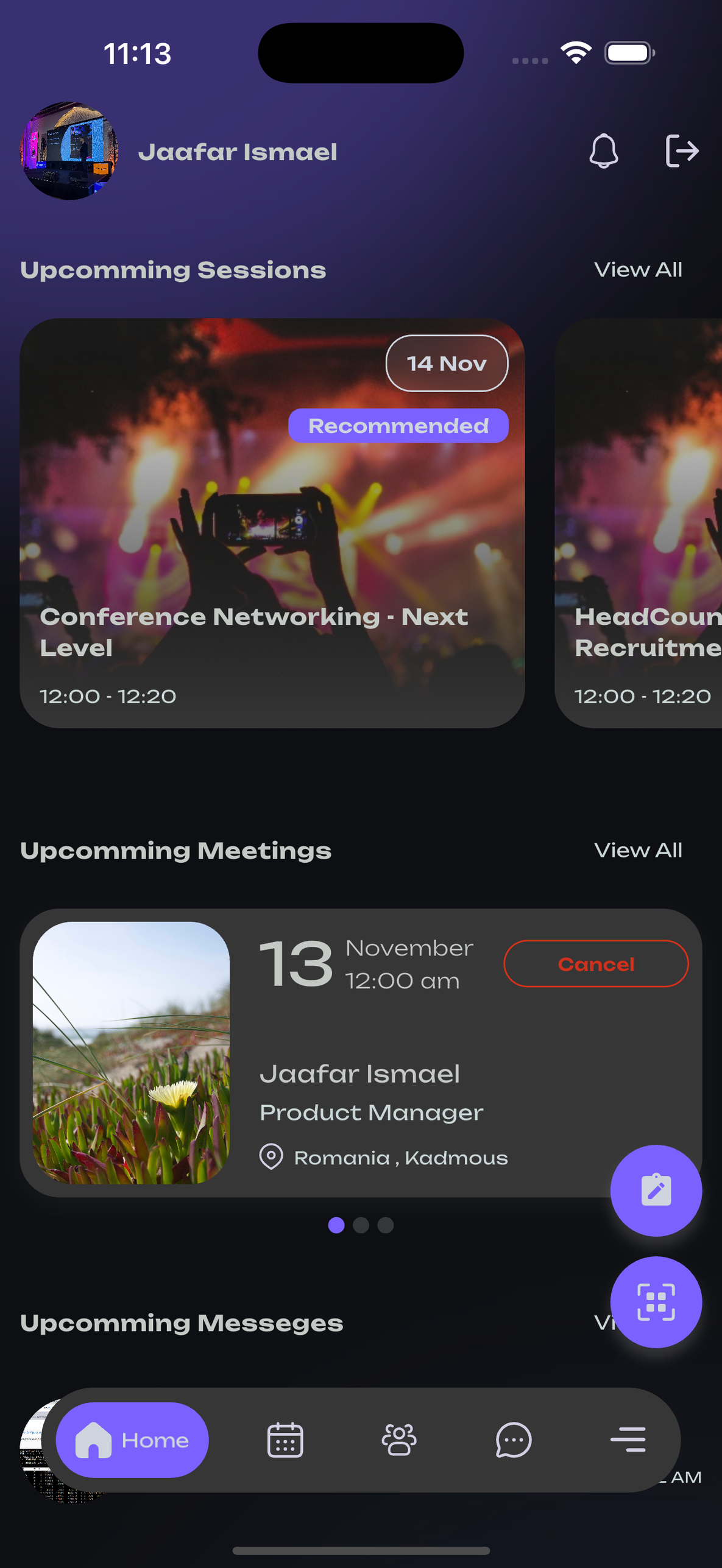
Meetings
Confirm / cancel · paginated carousel
Notes → Post
Select notes · generate LinkedIn post
Capabilities
A full attendee experience.
No trade-offs from a hybrid wrapper. Every feature below ships in the native binary.
Profile-based matchmaking
Suggestions weighted by role, industry, interests, and stated objectives. Match logic configurable per event.
Real-time messaging
1:1 and group chat with push, typing indicators, read receipts, 24-month retention.
Meeting scheduling
Two-way availability, iCal/Google/Outlook sync, configurable reminder windows.
Personalized agenda
By track, day, or speaker. Bookmark, sync to native calendar, push reminders. Changes propagate in seconds.
Digital business cards
Tap-to-share via NFC where supported, QR fallback, vCard / Google Contacts / LinkedIn export.
AI Coach
In-context coaching surfaces openers and follow-ups, tuned to the attendee in front of you.
AI Note-to-Post
Convert selected notes into a polished, brand-safe LinkedIn post. Edit, then publish.
Sponsor placements
Banner rotation, sponsored sessions, lead capture via QR. Scoped sponsor dashboards.
Live polling & Q&A
In-session polls, upvoted Q&A, on-stage results, moderation for staff and speakers.
Push notifications
Targeted by ticket type, track, role, custom tag. Scheduled sends with delivery logs.
Offline mode
Agenda, directory, saved meetings remain available offline. Actions queue and sync on reconnect.
Localization
EN / RO / FR ship out of the box. Per-event copy overrides without a release.
Engineered as a
native product
Not a web page in a shell. Real iOS and Android apps, written in the language each platform was built for. Fast to open, smooth to scroll, polished where it matters.
-
Fast. Opens in about a second — even at the venue on bad Wi-Fi.
-
Reliable. Stable in the moments your event depends on most.
-
Offline. Agenda, attendees, and meetings keep working with no signal.
-
Polished. Looks and feels like an app your attendees already trust.
White-labeling
Published under your event's identity.
Attendees discover and install the app without ever encountering the Fivras brand. Listing copy, icon, splash, in-app theme, and even the developer account are yours.
App name & listing
Branded title, description, keywords, screenshots.
Icon & launch screen
Custom artwork at every supported resolution.
Developer account
Submit under your account, or under Fivras's.
In-app branding
Logo, palette, typography across every surface.
See the app from both sides.
Try Fivras as an attendee, then review the admin in a 20-minute working session. We tailor the walkthrough to your event format.